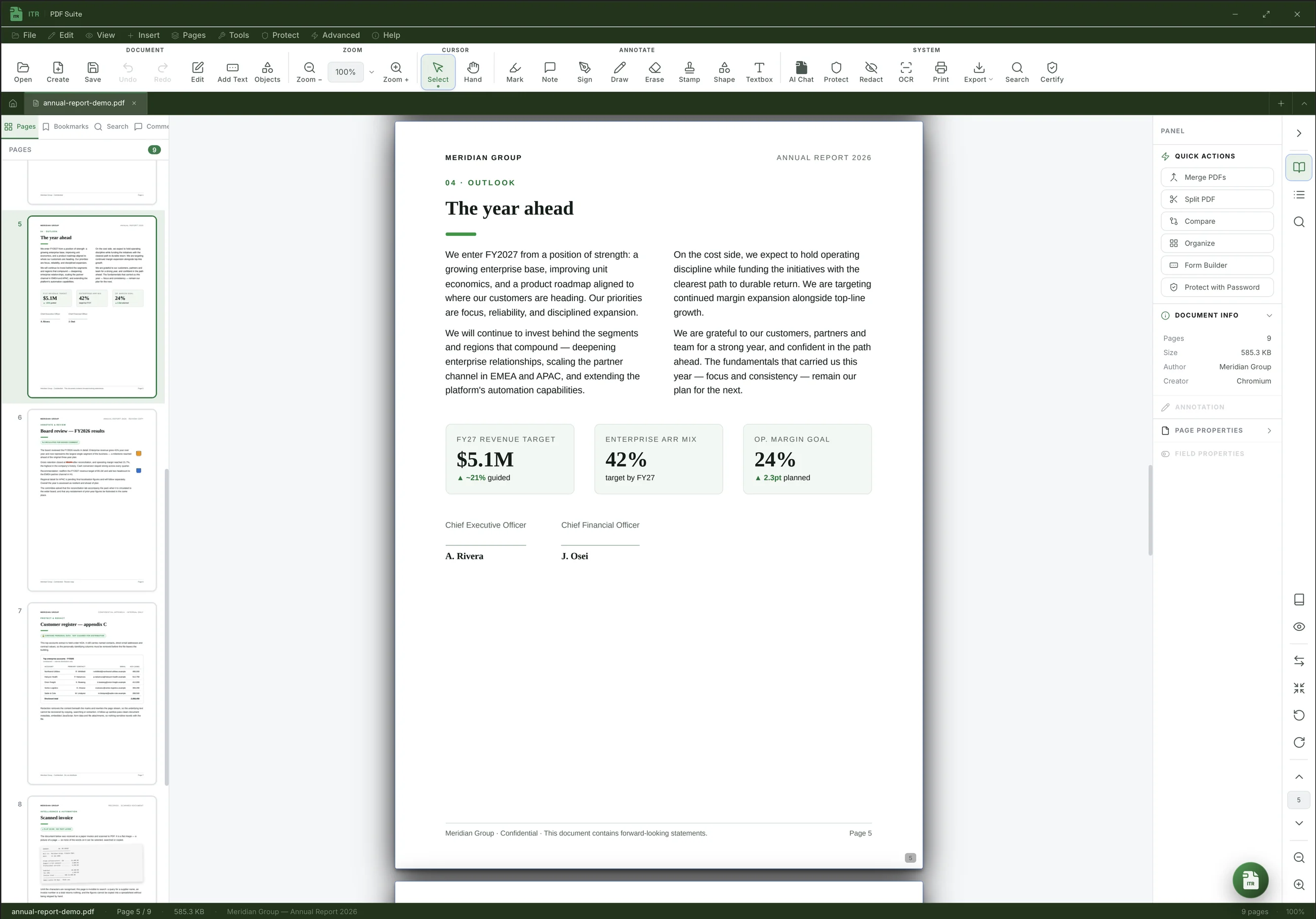
The all-in-one desktop PDF suite. Do everything with your PDFs — edit, redact, OCR, sign, protect — with your documents staying on your computer.
Not a viewer with a few extras — a full production tool for documents that matter. Every capability below ships in every install: no add-ons, no upsells.
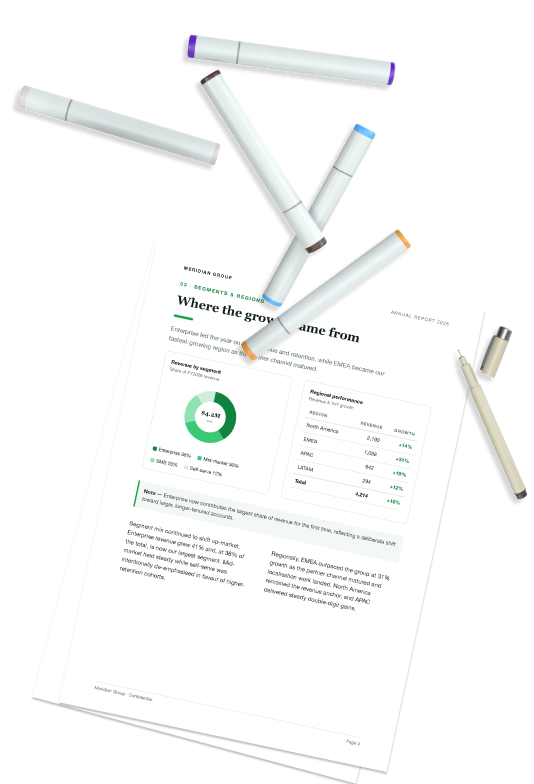
Review like a pro: precise highlights, callouts, shapes, freehand and sticky notes — every comment carries an author and a status, and round-trips cleanly via XFDF.
True redaction that bakes black bars into the page content, then sanitizes hidden metadata, JavaScript and attachments. Lock with passwords and granular permissions before you share.
Run on-device OCR to recover selectable, searchable text from scans and images — in dozens of languages — and embed an invisible text layer so the document stays pixel-perfect.
Change the actual text inside a PDF with true in-place WYSIWYG editing — fonts, sizes, colors and layout preserved — then find & replace, and stamp headers, footers, Bates numbers and watermarks.
Ask a 200-page report a question and get a straight answer — with the page it came from. Summarize a contract, pull the numbers out of a table, or compare two revisions without reading every line.
Phone to laptop, iPad to desktop, tablet to phone — any direction you need. No emailing it to yourself, no hunting for a cable, no bouncing it through someone else's cloud. PaperPlane sends the file straight from one device to the other.
Built for legal, finance, healthcare and government workflows: your files stay on your device, and cloud, AI and device-to-device sharing only ever run when you choose to turn them on.
Cloud & AI are opt-in
Burned-in, not overlaid
PKCS#12 / certified
Standards-compliant
Pick your platform below. Install, then activate with your account email and password to start your free 14-day trial.
One license, every capability. No card required to start — your 14-day trial activates the moment you sign in inside the app.
Free 14-day trial · activate with email & password · no card required
Windows 10 & 11 · 64-bit
macOS 12 Monterey & later
Phone & tablet · Android 8.0 and later
iPhone & iPad · iOS 16.4 and later
Free 14-day trial · activate with email & password · no card required
Everything you might want to know before installing ITR PDF Suite.
Your core PDF work — viewing, editing, OCR, redaction, signing and conversion — runs entirely on your own device and never touches our servers. Optional features reach out only when you ask them to, and only to services you choose: the AI assistant uses an API key you or your organization provide, cloud storage connects directly to your own OneDrive, Google Drive or Dropbox, and PaperPlane sends files device-to-device between your own machines. IT-RANKS is never in the middle of your documents — which keeps ITR PDF Suite suitable for legal, finance, healthcare and government workflows. On an organization's plan, its administrators manage settings and devices, and can turn on an activity audit that records what was done to which file — never the contents — or counts of how often each feature is used. See our Privacy Policy for the full breakdown.
Create a free account, download the app for your platform, and sign in inside the app with your email and password. Your 14-day trial activates automatically — no credit card required.
Open ITR PDF Suite and choose "Activate". Sign in with the same email and password you used to register on the portal.
The desktop app runs on Windows 10 and 11 (64-bit) and macOS 12 Monterey or later, on both Apple Silicon and Intel. There are also free mobile companions: iPhone and iPad on iOS 16.4 or later, and Android 8.0 or later.
Yes. Enterprise plans support seat-based licensing and organization policies managed from the portal.
For most teams, yes. It covers viewing, annotation, in-place editing, organizing, forms and signatures, protection and true redaction, conversion and export, plus on-device OCR and batch automation.
Create an account and your free 14-day license is ready in seconds. No card, no lock-in, no catch.